Description
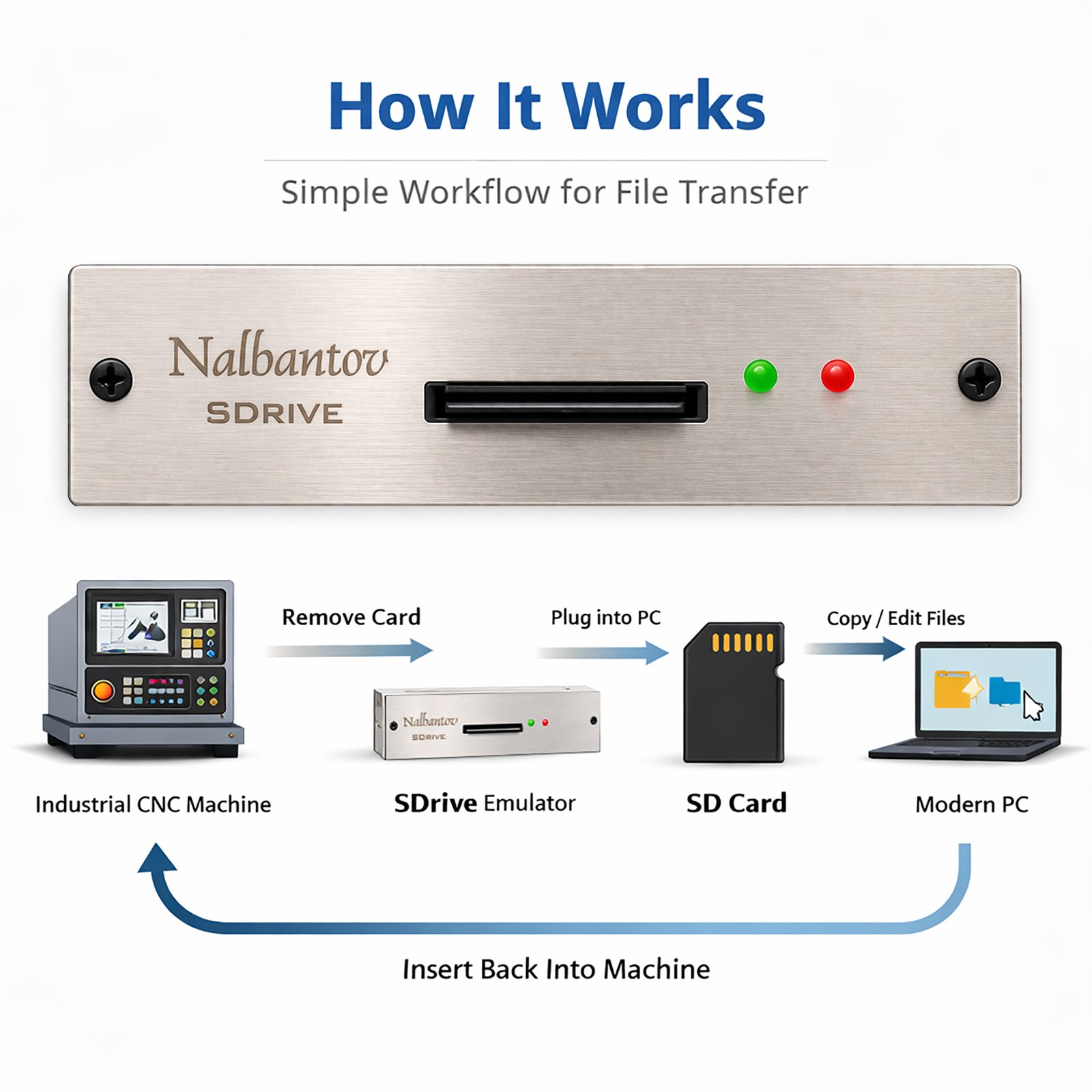
From Legacy Machine to Modern Workflow in 3 Simple Steps
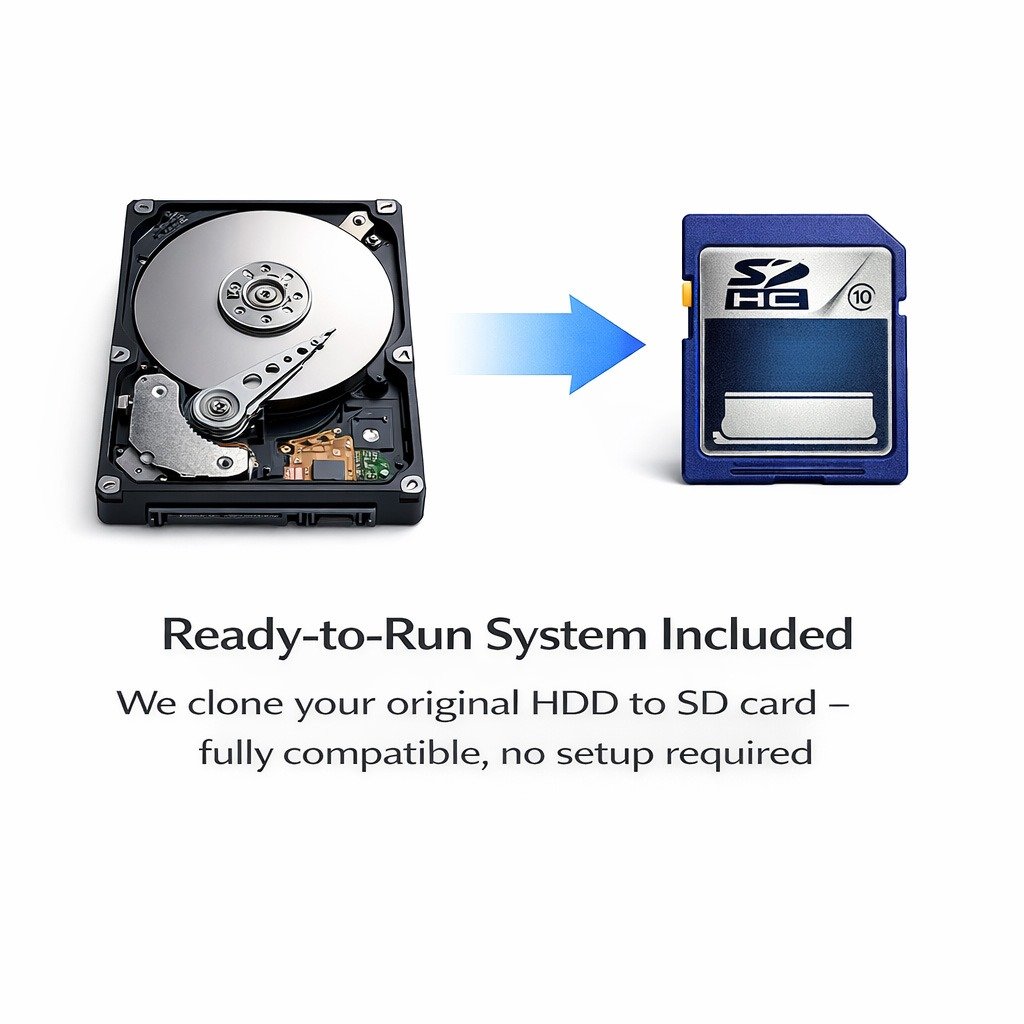
1. Clone Your Original System
We create an exact image of your existing hard drive and transfer it to an SD card.
 Your operating system remains unchanged All machine software, parameters and settings are preserved No reinstallation or reconfiguration required
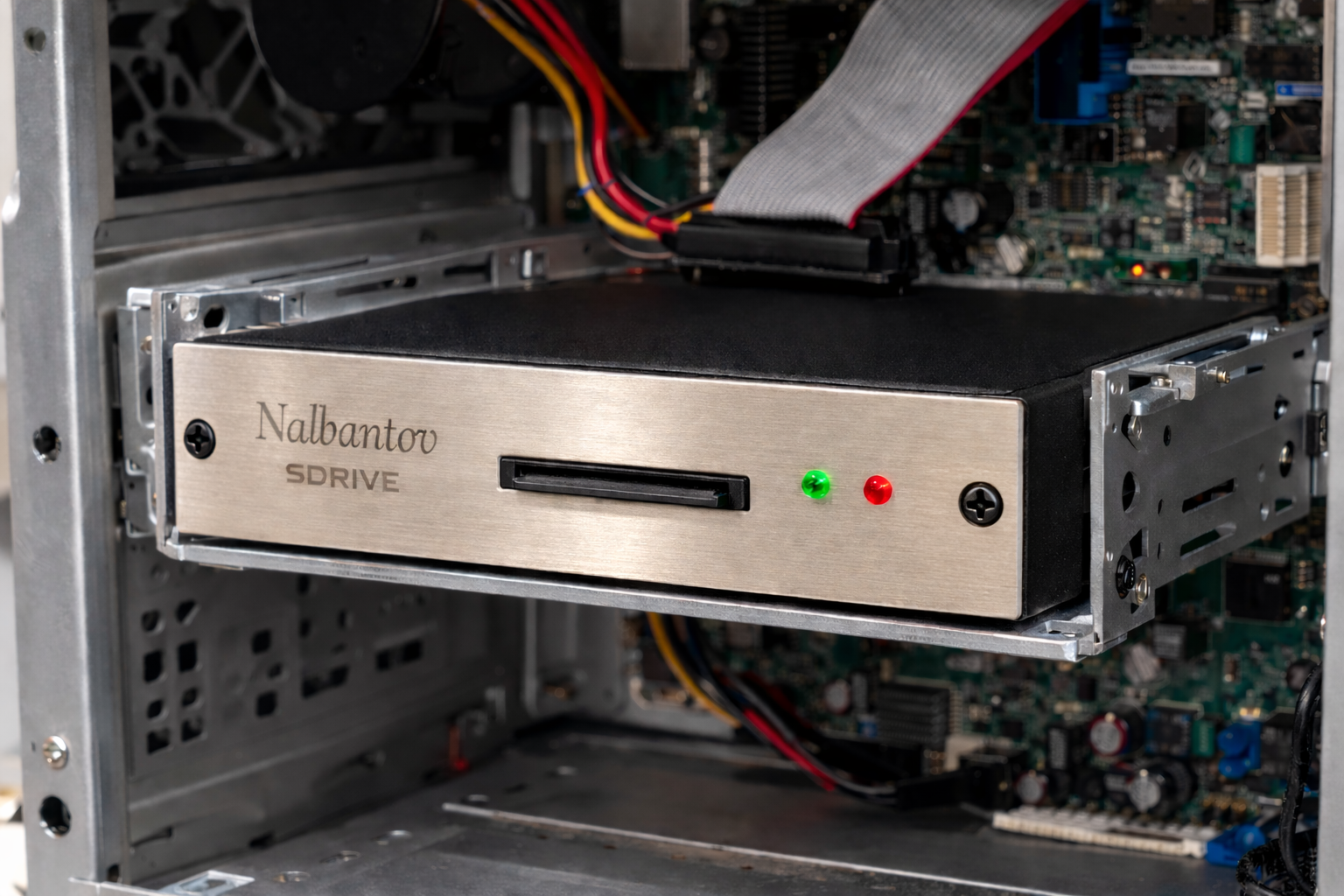
2. Use the SD Card as Your Main Storage
The SD card replaces your old HDD inside the controller.
Fully compatible with legacy BIOS and systems Works with FAT16 / FAT32 partitions Reliable solid-state operation
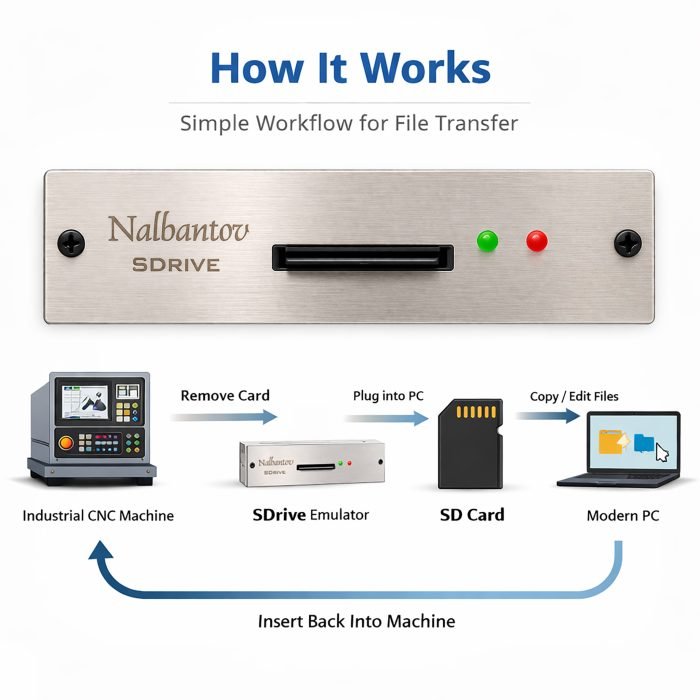
3. Transfer Files Directly from Any Modern PC
Remove the SD card and plug it into your computer.
✔ Open it like a regular drive in Windows
✔ Copy CNC programs, machine files or backups
✔ Insert it back into the machine and continue working
Features
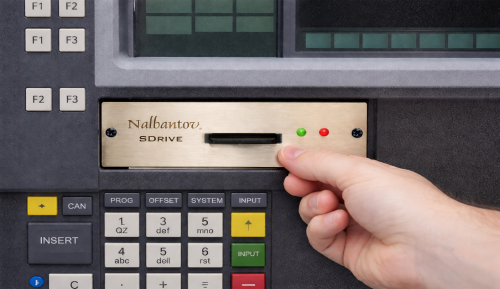
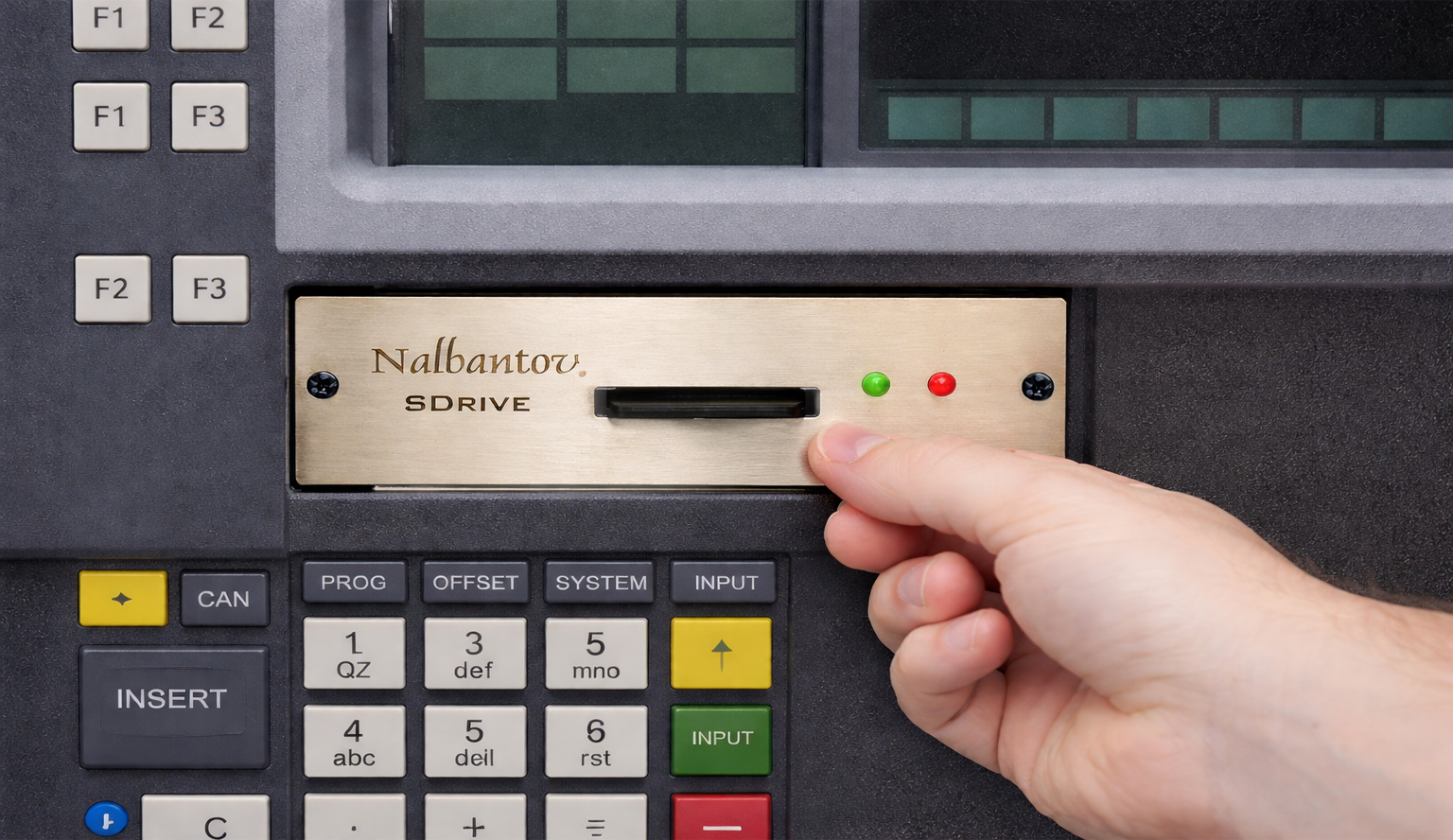
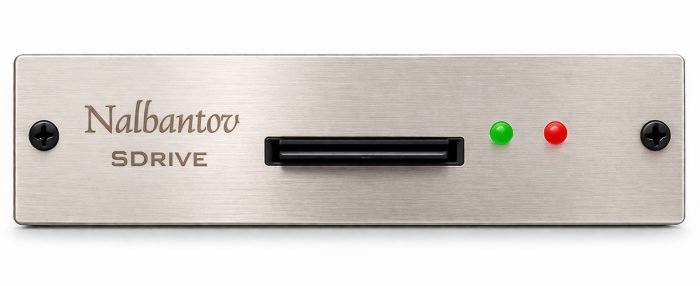
Standard Form Factor – Fits 3.5” floppy drive bay for front panel access
Configurable Hardware Interface – Designed to support a wide range of legacy storage interfaces used in industrial controllers
Easy to Install – Plug and Play solution. No additional drivers or system modifications required
Full Compatibility – Standard form factor and connectors. Seamless replacement for legacy hard drives
Modern Storage Upgrade – Replace old HDDs with solid-state storage
High Capacity – Store multiple system images and backups on a single storage device
Reliability – No moving parts. Eliminates mechanical failures typical for aging HDDs
Industrial Design – Built for long-term operation in harsh environments
Data Security – Safe and stable storage for critical machine software and parameters
User Friendly – Easy management of files and system backups
Bundle – Includes storage media, documentation and free technical support
Supported Equipment
Siemens
SINUMERIK 840D (MMC101 / MMC102 / MMC103)
SINUMERIK 810D (MMC103)
SINUMERIK PCU 50
NUM
NUM 1020
NUM 1040
NUM 1060
NUM 1080
FANUC
FANUC PANEL i
FANUC 16i
FANUC 18i
FANUC 21i
FANUC 160i
FANUC 180i
FANUC 210i
KUKA
KUKA KR C1
KUKA KR C2
KUKA KR C2 edition2005
KUKA KR C2 sr
Bosch Rexroth / Indramat
Indramat BTV20
Indramat BTV30
Heidenhain
TNC 426
TNC 430
Mitsubishi
Mitsubishi M64
Supported Interface
File system – FAT16 / FAT32 (compatible with legacy MS-DOS and Windows systems)
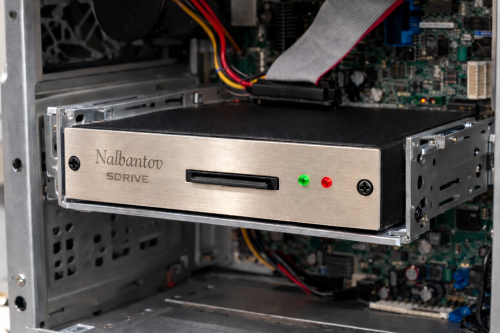
Drive type – Industrial HDD replacement (2.5″ / 3.5″ equivalent via adapter)
Interface type – IDE / PATA (40-pin / 44-pin)
BIOS compatibility – Supports legacy BIOS limitations (CHS, LBA, capacity limits)
Installation Scenarios
SDrive is designed for seamless integration into a wide range of industrial control systems — without complex modifications.
Whether your machine uses a floppy drive or an internal HDD, SDrive provides a flexible retrofit solution.
1. Floppy Drive Replacement (Front Panel Access)